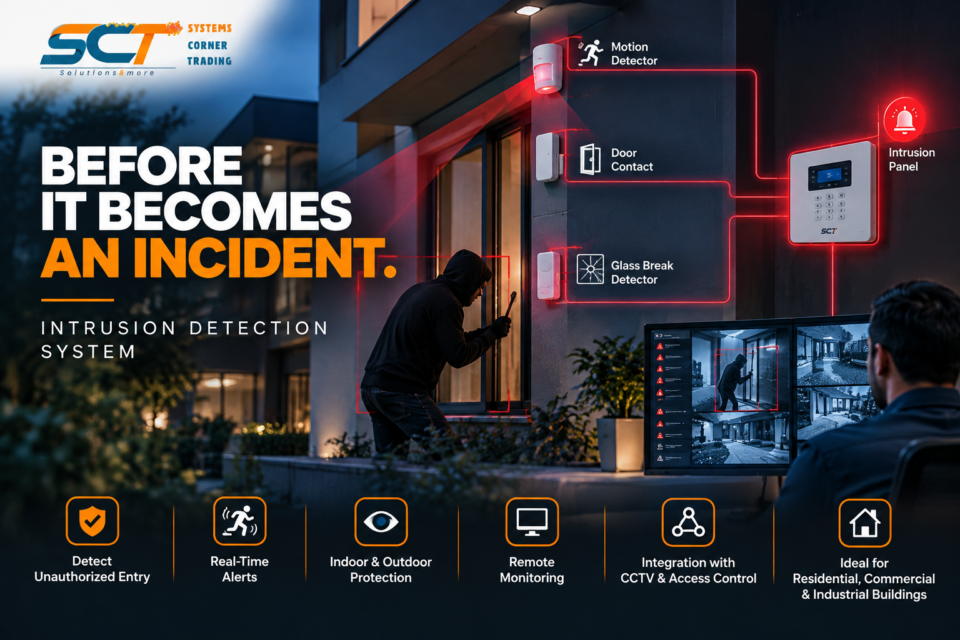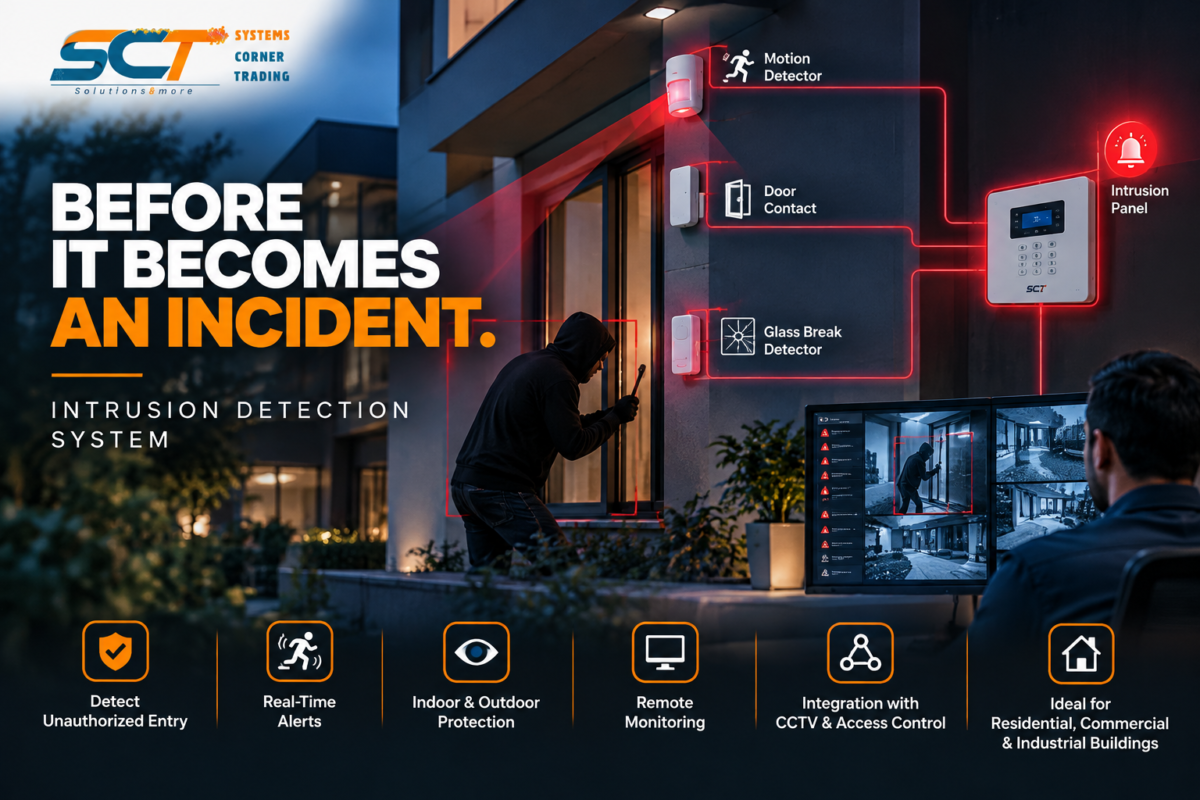
Intrusion Detection System: How Buildings Detect Threats Before They Escalate
October 28, 2026
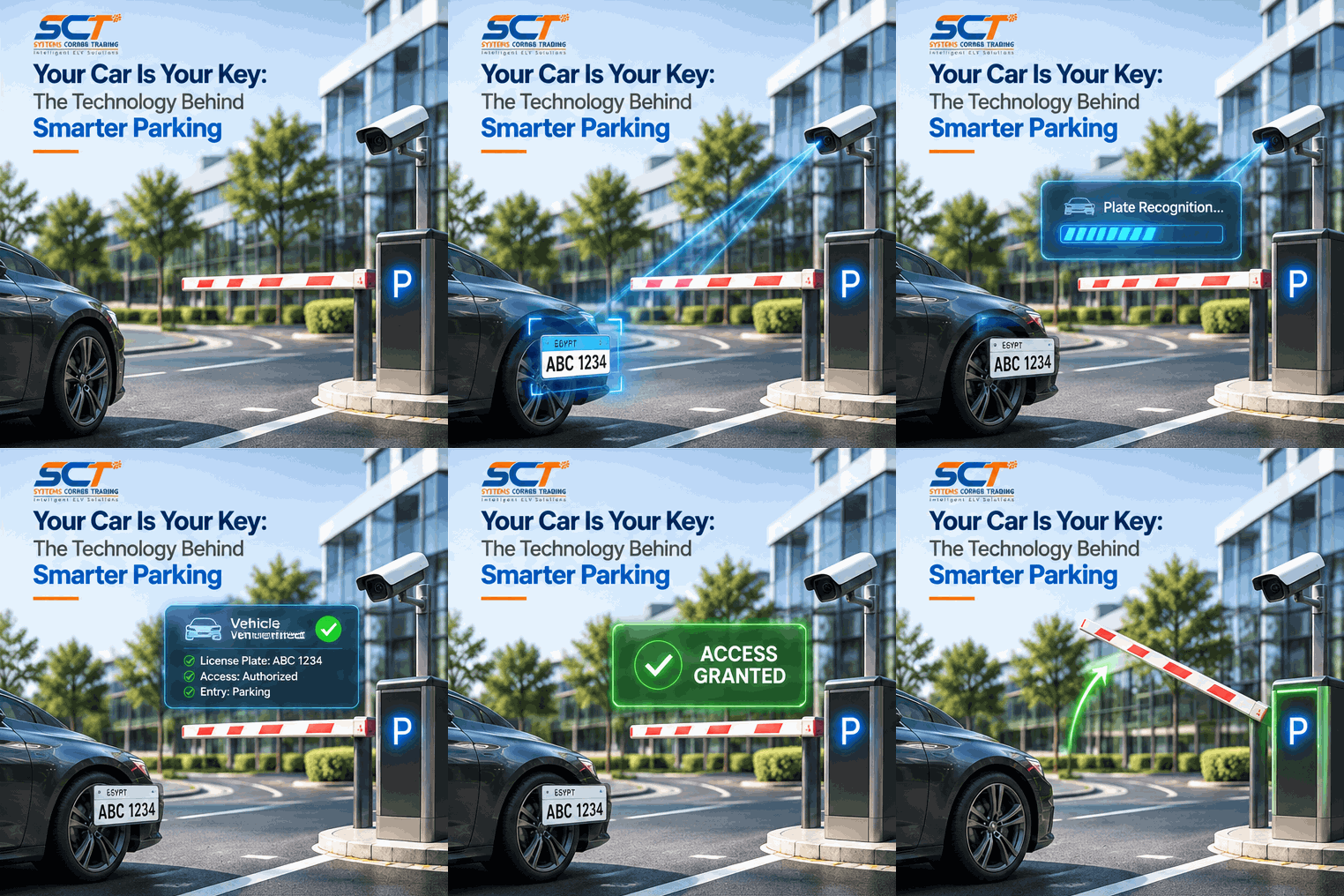
Your Car Is Your Key: The Technology Behind Smarter Parking
November 12, 2026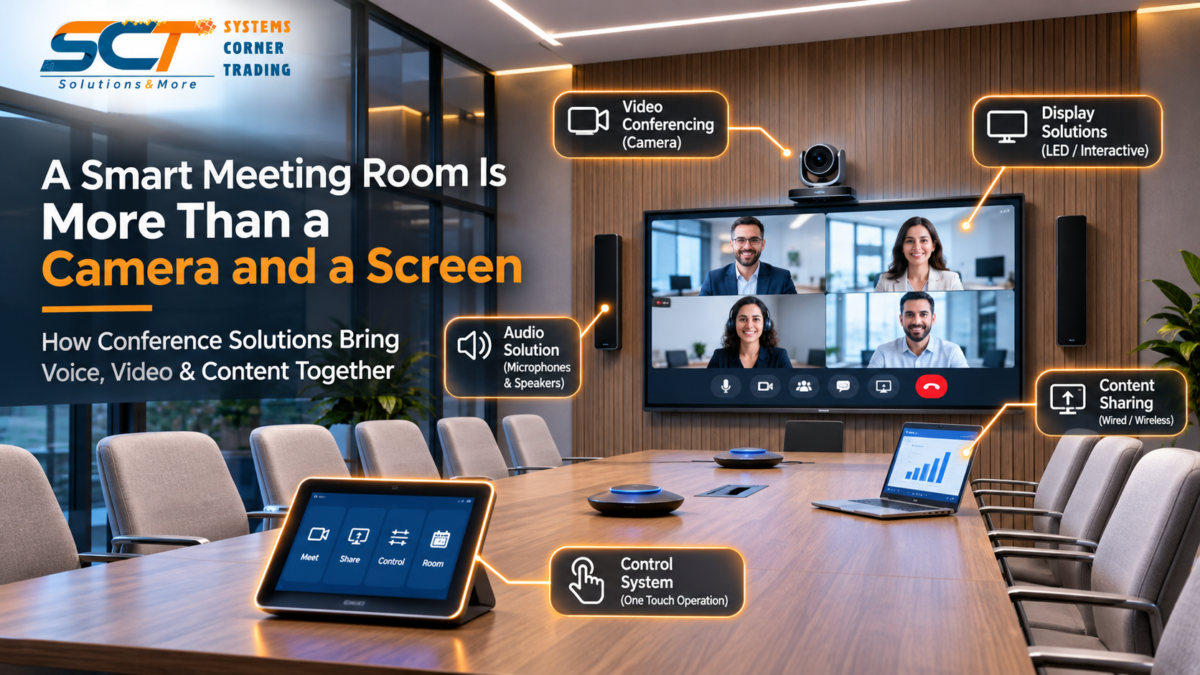
A Smart Meeting Room Is More Than a Camera and a Screen.
The meeting starts at 10:00 AM.
At 10:02, someone is still trying to connect the laptop.
At 10:04, the remote participants cannot hear everyone clearly.
Then comes the familiar question:
“Can you see my screen?”
The room has a camera.
A display.
Microphones.
Speakers.
But does it really have a Conference Solution?
Because installing devices inside a room is not the same as creating a smooth meeting experience.
What Is a Conference Solution?
A Conference Solution brings together the technologies needed for communication and collaboration inside a meeting room.
Instead of operating every device separately, the objective is to make the entire room work as one coordinated system.
Voice + Video + Content + Control + Integration
All working together.
The result should be simple:
Enter. Connect. Speak. Share. Collaborate.
Everyone Should Be Heard
Clear audio is one of the most important parts of any meeting.
A conference room may contain several people sitting at different distances from the microphones.
Some may turn toward the screen while speaking.
Others may join remotely.
The system still needs to deliver clear communication.
That means good design is not simply about having microphones.
It is about making sure:
Everyone can hear.
Everyone can be heard.
Microphone selection, placement, speakers and room acoustics all affect the final experience.
Everyone Should Be Seen
Hybrid meetings have changed the way meeting rooms are designed.
Today, some participants may be sitting around the table while others join remotely from another office, city or country.
The camera becomes their view into the room.
Good camera positioning and coverage help remote participants understand who is speaking and what is happening.
Video conferencing should make remote participants feel part of the meeting — not like they are watching it from outside.
Content Should Be Easy to Share
Presentations are part of almost every modern meeting.
But content sharing should never interrupt the conversation.
Users should be able to connect a laptop or share content wirelessly without spending several minutes searching for cables, inputs or remote controls.
The principle is simple:
The user should focus on the presentation — not on how to display it.
One Room. One Control.
Imagine a conference room with:
A display remote.
A camera controller.
An audio controller.
Another device for content sharing.
And several cables on the table.
Technically, everything may work.
But the experience is complicated.
A centralized Control System can simplify these operations.
For example:
START MEETING
Prepare the required systems.
PRESENT
Select the presentation source.
VIDEO CALL
Prepare the conference environment.
END MEETING
Return the room to its defined state.
The exact functions depend on the project.
But the objective remains the same:
One Room. One Experience.
Integration Makes the Difference
A good conference room is not created by selecting individual products alone.
A professional camera, microphone and display are only useful when they work properly together.
This is where System Integration becomes important.
The complete chain needs to work smoothly:
Microphones capture the conversation.
Speakers deliver clear audio.
Cameras capture the room.
Displays show participants and content.
Content Sharing connects presentations and media.
Control Systems simplify operation.
When these elements are designed as one solution, technology stops getting in the way of the meeting.
Different Rooms Need Different Designs
A small meeting room and a large boardroom should not necessarily use the same solution.
Small Meeting Room
Simple video conferencing.
Basic audio.
Content sharing.
Executive Boardroom
Professional audio.
Multiple microphones.
Larger displays.
Video conferencing.
Centralized control.
Conference Hall
Large-scale audio.
Presentations.
Live events.
Voting or simultaneous interpretation, depending on project requirements.
That is why conference-room design should begin with one question:
How will this room actually be used?
The answer determines the technology.
Conference Solutions Go Beyond Video Calls
Conference technology can support much more than online meetings.
Depending on the project, it can also support:
- Video Conferencing
- Audio Conferencing
- Content Sharing
- Presentations
- Interactive Collaboration
- Live Events
- Voting
- Simultaneous Translation
- Centralized Control
The purpose may change from one space to another.
But the goal remains the same:
Make communication easier and collaboration more natural.
The Best Technology Is the Technology You Stop Noticing
Now imagine the same meeting again.
The team enters the room.
The display is ready.
Everyone can hear clearly.
Remote participants join.
The presentation appears.
The discussion begins.
Nobody searches for a cable.
Nobody asks which remote control to use.
Nobody calls IT.
The meeting is simply a meeting.
That is when the Conference Solution is doing its job.
From Devices to Experience
A smart meeting room is not defined by how much technology it contains.
It is defined by how easily people can use it.
Camera + Screen = Equipment.
Voice + Video + Content + Control + Integration = Conference Solution.
At Systems Corner Trading (SCT), we provide integrated Conference and Audio/Visual Solutions designed for modern meeting rooms, boardrooms, training spaces and conference environments.
Because the smartest meeting room is not the one with the most devices.
It is the one where everything works together.
Systems Corner Trading (SCT)
Solutions & More
📞 +966 11 269 4437
📱 +966 51 146 4924
📧 info@systems-corner.com
🌐 www.systems-corner.com